AED software API and integrations: what is confirmed
Company SSO (single sign-on), data exports, an audit trail and a data-region setting. This page marks every API and integration item that is not confirmed.
ReadyAED is an AED (automated external defibrillator) readiness and compliance platform. Facility teams use it to keep inspection records, device history and expiry dates in one place.
This page is for IT and security teams. It answers the questions a security review asks and lists what the software does today.
ReadyAED sells software only. It sells no hardware and no consumables.
The product team confirms each interface before ReadyAED publishes the details. product confirmation of REST API, webhooks and HRIS/EHS integrations, with named systems
The problem
The security questions arrive before the records are ready.
A security review covers the AED program even when the program is small. The reviewer asks who can sign in, what leaves the platform and where the records go. A spreadsheet or a shared login answers none of those questions.
The AED program is one system in the review. It still needs the same answers as the systems around it.
The register also has to line up with the rest of the estate. Sites, floors and rooms must match the names your team uses. A free-text column drifts from that list.
Shared logins hide the actor. If a record changes, nobody can tell who changed it or when. Your team then answers the question from memory.
Evidence requests arrive with a deadline. Auditors and insurers ask for inspection records that go back months. When the records sit outside your own systems, your team rebuilds the evidence by hand.
Procurement asks for a data processing agreement, a subprocessor list and an answer on data regions. A delayed answer holds up the purchase. This page states each confirmed answer and marks each open item.
How it works
Six areas of the IT review, with the open items named.
ReadyAED keeps the AED program in one place. An IT review covers six areas: sign-in, data out, email, records, documents and regions.
ReadyAED is a web application. It works in the browser on Android and iOS phones, and on a desktop browser.
| Area | What ReadyAED provides today | Where it lives |
|---|---|---|
| Sign-in | Work email and password, or Continue with company SSO | Sign-in |
| Data out | Export report, CSV file and device history | Overview, Fleet and Device detail |
| Five transactional emails: inspection due, overdue, device used, weekly digest and invite | ||
| Records | Audit trail: activity feed, audit log, device history and inspection history | Overview and Device detail |
| Documents | Upload and download manuals, certificates and service records | Device detail |
| Regions and formats | A data-region selector with five regions: US, UK, EU, India and APAC. Dates, times, numbers and currency follow the locale. | Per site |
Sign-in and access
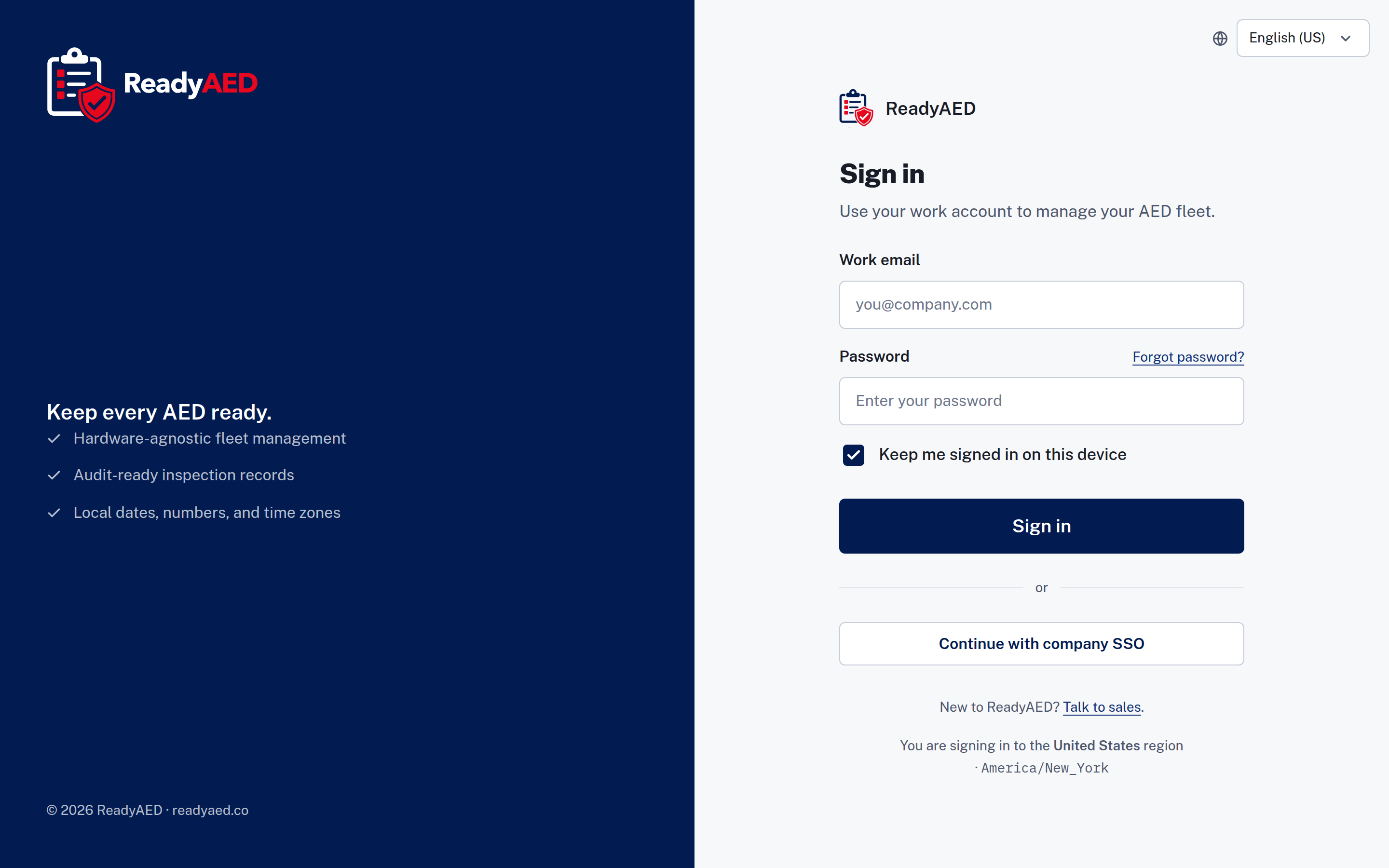
Your team signs in with a work email and a password. A forgot-password path and a keep-me-signed-in option are available.
Company SSO is also available. New accounts go to sales, so the product has no self-serve signup screen.
The identity providers behind company SSO are not published. named SSO identity providers, if any
Site staff are invited into the account. A site custodian (the person who looks after a site) and a last inspector are shown on the record. Devices are assigned to a person. confirmed role and permission model
Data out
Your team exports three items: the readiness report, a CSV file and a device history. The export controls sit on Overview, Fleet and Device detail. Every status carries an icon and a word.
ReadyAED sends five transactional emails: inspection due, overdue, device used, weekly digest and invite. The invite email brings site staff into the account.
Records and the audit trail
An audit trail records user and system events, device history and inspection history. The activity feed shows recent events with the actor, the event and the time. The activity feed links to the full audit log.
An inspection keeps the inspector, the checklist answers, the battery reading, the notes and any photos. Every checklist line must be answered before the inspection is complete.
Documents
Manuals, certificates and service records attach to a device. Your team uploads and downloads them on the device record.
What the record holds
The platform holds sites, locations, AED devices, consumables, inspections, follow-up tasks, documents, people, alerts and purchase orders. A location path is building, floor and room. ReadyAED sells no hardware and no consumables. Fulfillment is by partners.
Regions and formats
The app offers a data-region selector with five regions: US, UK, EU, India and APAC. Your team sets the region for each site. The locale switcher changes date, time, number and currency formats. The interface is in English.
The switcher changes display formats. Values are stored in machine form and formatted when a page renders.
What it replaces
Shared logins, manual export requests and hand-built audit packs.
ReadyAED replaces the workarounds that a small program usually grows.
- A shared login for the program. Sign-in supports work email and password, and company SSO.
- A spreadsheet register of AEDs. The Fleet register holds the serial number, location, site, status, pads expiry, battery percentage and last inspection date.
- A second spreadsheet for pads and batteries. The overview lists the consumables that expire in the next 90 days, with the devices affected and the reorder cost. ReadyAED sells no hardware and no consumables. Fulfillment is by partners.
- A manual count of devices in each state. The overview shows Ready, Due soon, Overdue and Offline, with a count and a share for each.
- Email requests for evidence. Your team exports the report, a CSV file or a device history from the app.
- Screenshots assembled for an audit. The audit trail records user and system events, device history and inspection history.
- A folder of security questionnaires. The Security & Trust Center states the security and compliance posture, item by item.
Proof
Exact status for each item, with open questions marked.
ReadyAED states each security and compliance item at its exact status. The table lists what is confirmed, what is available on request and what is not published.
| Item | ReadyAED status |
|---|---|
| SOC 2 | SOC 2 is in progress. legal-approved disclaimer text this passage needs legal sign-off |
| HIPAA | A BAA (Business Associate Agreement) is available. BAA request process and turnaround — legal confirmation needed legal-approved disclaimer text this passage needs legal sign-off See HIPAA & data handling. |
| Audit trail | An audit trail records user and system events, device history and inspection history. legal-approved disclaimer text this passage needs legal sign-off |
| Security controls | security controls evidence (encryption, hosting, backups, penetration testing) — product and legal confirmation required |
| Uptime | approved uptime figure |
| Data region | A data-region selector offers five regions: US, UK, EU, India and APAC. confirmation of data residency options legal-approved disclaimer text this passage needs legal sign-off |
| Subprocessors | subprocessor list legal-approved disclaimer text this passage needs legal sign-off See Subprocessors. |
| Data processing agreement | DPA (Data Processing Agreement) availability and terms legal-approved disclaimer text this passage needs legal sign-off See Data processing agreement. |
| Responsible disclosure | responsible-disclosure policy See Responsible disclosure. |
| Other certifications | None are claimed. |
The Security & Trust Center holds the full security and compliance statement. For a security questionnaire, use the Contact page and select security as the reason.
FAQ
Direct answers, with the exact status of each open item.
Does ReadyAED have an API?
ReadyAED does not publish API (application programming interface) details until the product team confirms them. product confirmation of REST API, webhooks and HRIS/EHS integrations, with named systems
Which identity providers can we use with company SSO?
ReadyAED does not name identity providers today. named SSO identity providers, if any
What can we export?
You can export three items: the readiness report, a CSV file and a device history. The report export starts on Overview, the CSV export starts in the Fleet register, and the device history starts on the device record.
Can we rely on the audit trail as a permanent record?
ReadyAED keeps an audit trail. ReadyAED does not claim that the records are permanent. The audit trail holds user and system events, device history and inspection history. engineering and legal confirmation of immutability legal-approved disclaimer text this passage needs legal sign-off
Where does ReadyAED store our data?
ReadyAED does not publish per-tenant data residency. The app offers a data-region selector with five regions: US, UK, EU, India and APAC. confirmation of data residency options legal-approved disclaimer text this passage needs legal sign-off
What uptime does ReadyAED promise?
ReadyAED publishes no uptime figure today. approved uptime figure
Does ReadyAED support MFA (multi-factor authentication) and encryption?
The product team does not confirm MFA or encryption controls. confirmation of security controls (MFA, encryption)
Can we connect ReadyAED to our HR or safety systems?
ReadyAED publishes no connection list. confirmed integration list — product confirmation required See the Integrations hub.
Can we use ReadyAED without company SSO?
Yes. Work email and password sign-in is available, with a forgot-password path and a keep-me-signed-in option.
Who can see our records?
Site staff are invited into the account. A site custodian and a last inspector are shown on the record, and devices are assigned to a person. confirmed role and permission model
Read the API docs for the technical reference.
The Features hub lists what the platform does, and the Security & Trust Center states the security posture.