Step 1: Import your fleet
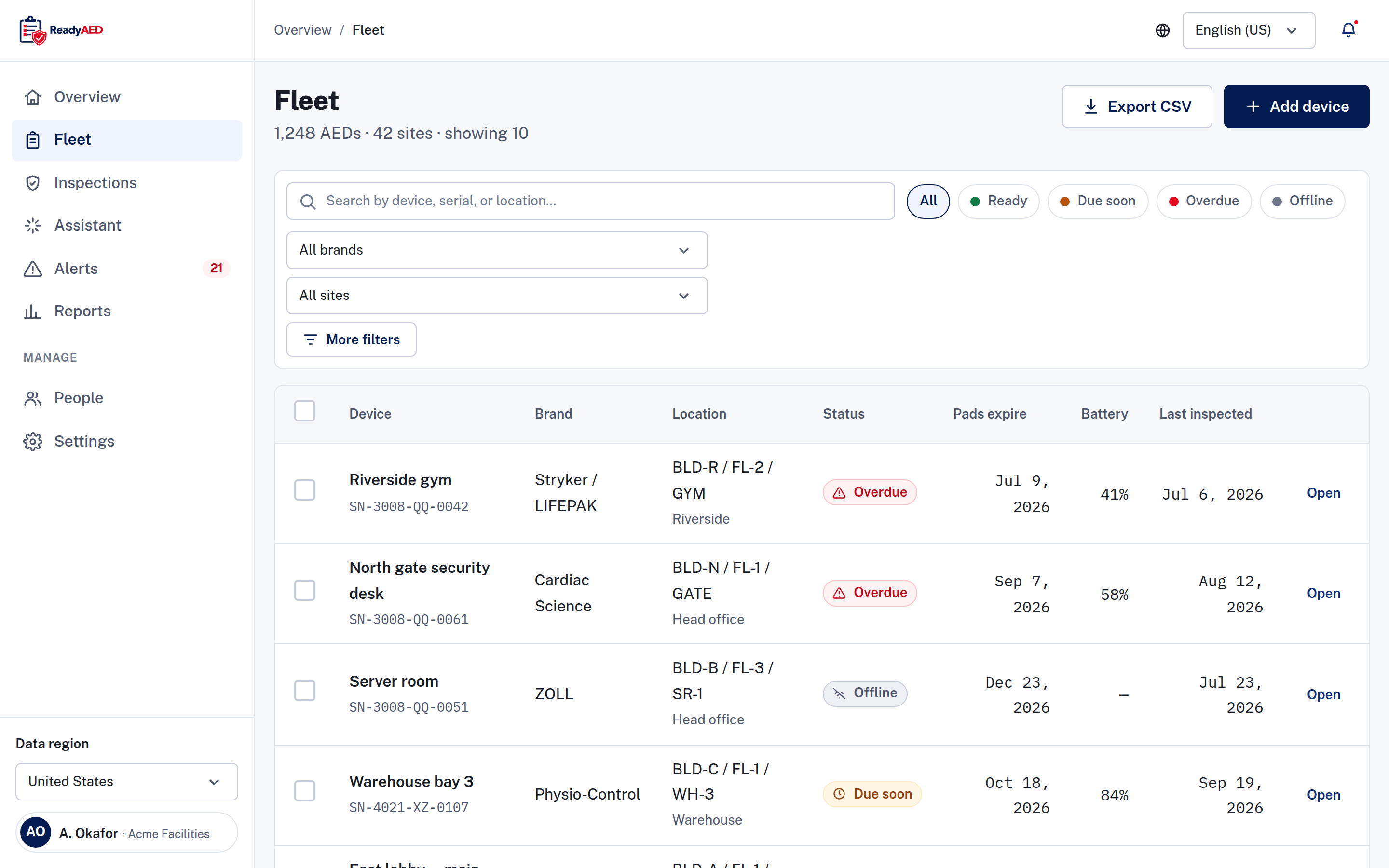
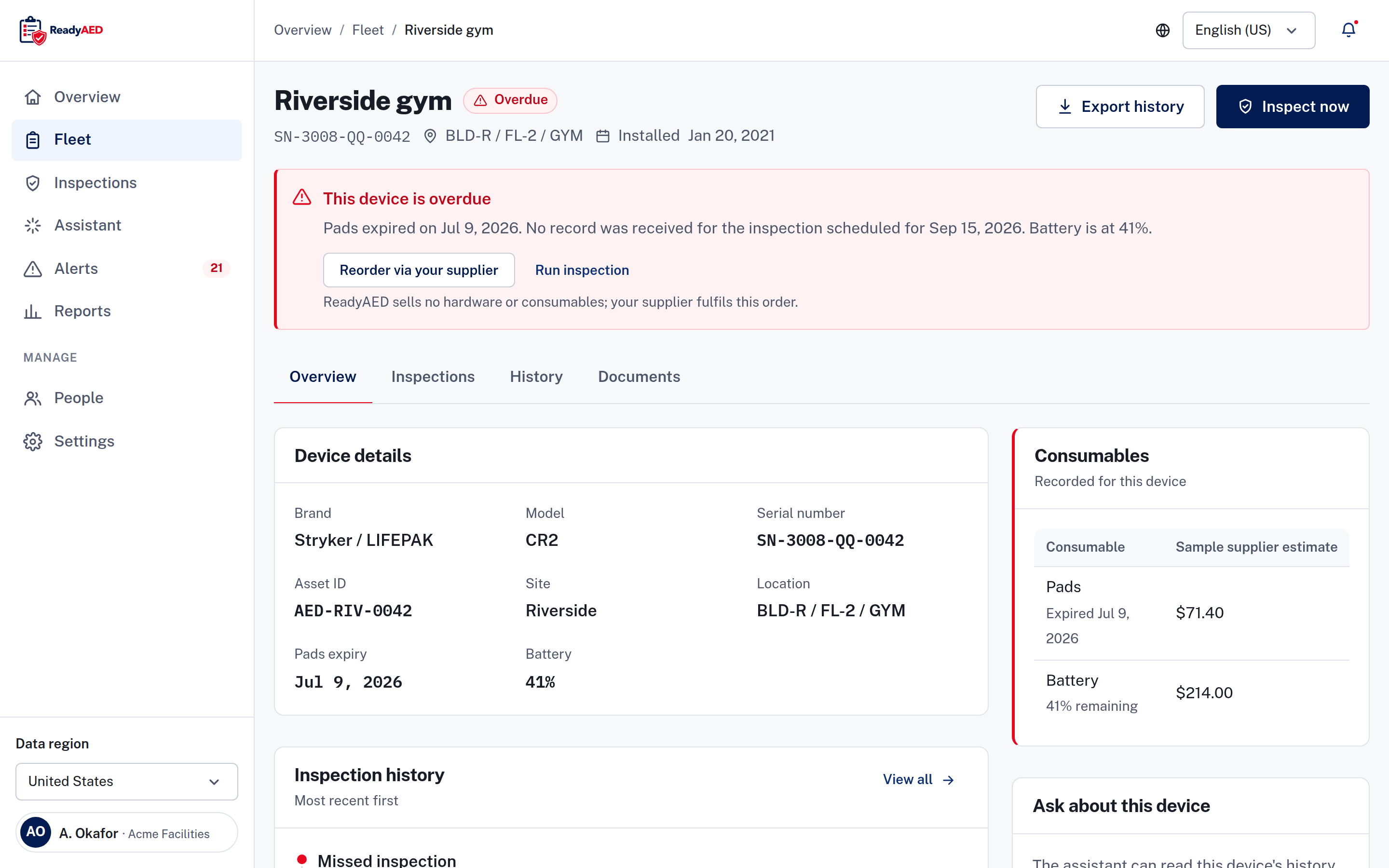
The first job is a one-time import. You collect the facts you already have about each unit: brand, model, serial number, site, room or floor, and pads expiry date. You add each device to the register and assign a custodian to it. Start with one site, then repeat for the rest. Most of the effort is the data you already hold.
A location path uses building, floor and room, so two units with the same name stay apart. Serial numbers and asset IDs both work as identifiers.
How long setup takes depends on your fleet size and how complete your current records are. You add devices to the register one at a time. If you already keep an AED list, see the note below.
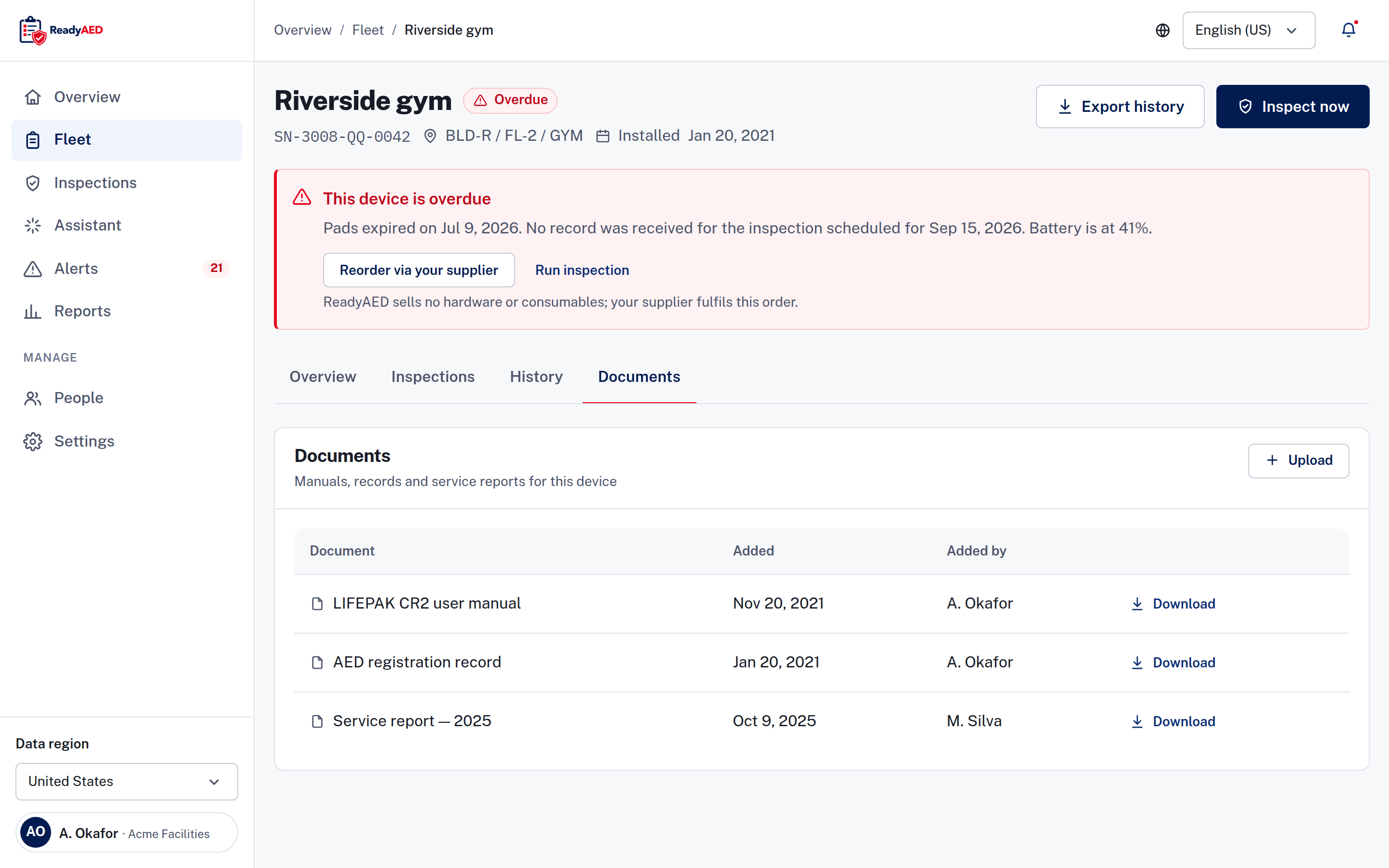
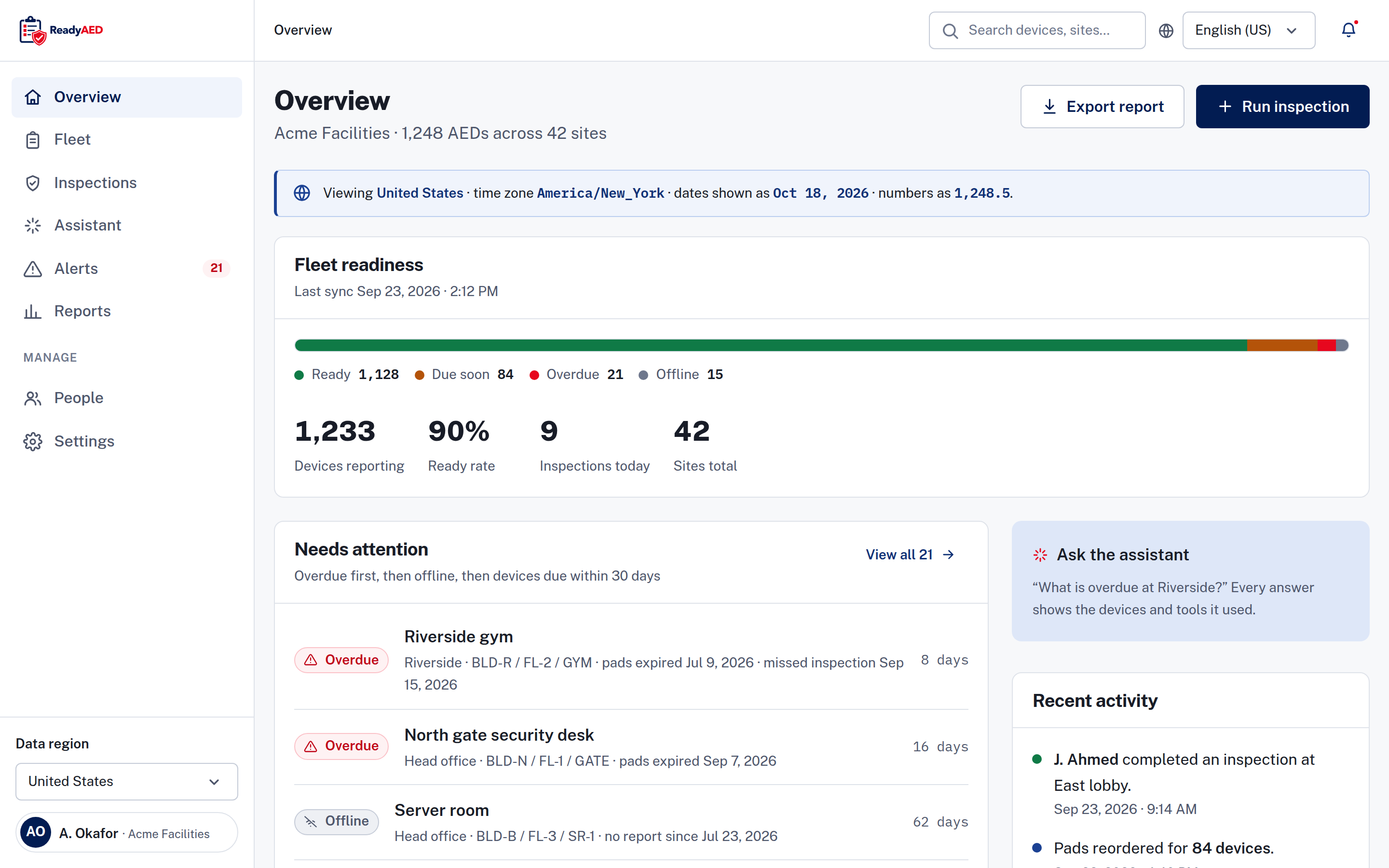
ReadyAED takes over the record keeping. The register shows serial number, location path, site, status, pads expiry, battery percentage and last inspection date. You can search by device, serial number or location, and filter by status, brand or site. Each device carries a printable QR code, and a scan opens the device record. Manuals, certificates and service records upload to the same record. The register covers every brand. See Mixed-fleet AED management.